 webstacy
Free website audit: want us to look at your website, Google Maps listing and follow-up?
WhatsApp Automation for Small Business: A Practical Guide
In much of the world, WhatsApp is how people talk to businesses. They'd rather send a quick message than fill in a form or wait on hold. That's great for enquiries, but it creates a new problem: messages arrive all day and night, and replying to every one by hand doesn't scale.
Automation handles the repetitive parts so your team can focus on real conversations.
App or API: which do you need?
| WhatsApp Business app | WhatsApp Business Platform (API) | |
|---|---|---|
| Cost | Free | Per-message charges for most business-initiated messages |
| Who uses it | One person or a small team on a phone | Teams, or connected to your website and CRM |
| Automation | Greeting, away messages and quick replies | Full automation triggered by your systems |
| Connects to CRM | No | Yes |
| Best for | Very small businesses getting started | Businesses with steady enquiry or order volume |
If you're getting more than a handful of enquiries a day, or you want messages triggered by your website, CRM or store, you need the Business Platform, set up directly with Meta or through an approved provider.
What to automate
Instant replies to new enquiries
When someone fills in your website form or messages you, they get a reply within seconds: thanks, what happens next, and something useful such as a brochure, price list or booking link. Fast replies matter. A lead that waits hours has often already contacted a competitor.
Qualifying questions
A few quick questions (what they need, where, budget, timing) collected automatically, so your team calls back already knowing whether it's a good fit. More in our lead qualification guide.
Follow-ups that don't depend on memory
If a lead goes quiet, a polite follow-up goes out after a few days, then another later. This is where most lost revenue is hiding. At PlotX, a ₹73 lakh sale came from a lead that had gone quiet for three weeks before an automated follow-up brought them back. Read the PlotX case study.
Booking confirmations and reminders
Confirmations straight after booking and reminders the day before, with an easy way to reschedule. Fewer no-shows, less admin.
Order updates
For online stores: order confirmed, shipped, out for delivery. LuxxeArt launched with more than 4,000 products and every order is confirmed and updated on WhatsApp automatically, with no manual replies. Read the LuxxeArt case study.
Review requests
After a job is done or an order delivered, a short message with your Google review link. See how to get more Google reviews.
The rules to follow
- Get permission. Customers need to have opted in to receive messages from you.
- Use approved templates for messages you start. With the Business Platform, messages sent outside a customer conversation must use templates approved by Meta.
- The customer service window: when a customer messages you, you can reply freely for 24 hours. After that, you need a template.
- Don't spam. Too many marketing messages get you blocked and reported, which can limit your account.
What it costs
The Business app is free. On the Business Platform, Meta charges per message for most template messages, with rates depending on the country and the type of message (marketing messages cost more than order or account updates). Providers may add their own fee. For most small businesses, the cost is small compared with the value of the leads and orders it helps close.
Keep it human
Automation should handle the first reply and the reminders, not pretend to be a person forever. Make it easy to reach a real person, and hand over the conversation as soon as someone is ready to talk.
Getting started
- List the messages your team sends over and over.
- Pick the one that matters most, usually the first reply to a new enquiry.
- Connect your website form and CRM so every enquiry gets that reply.
- Add follow-ups and reminders once the first flow is working.
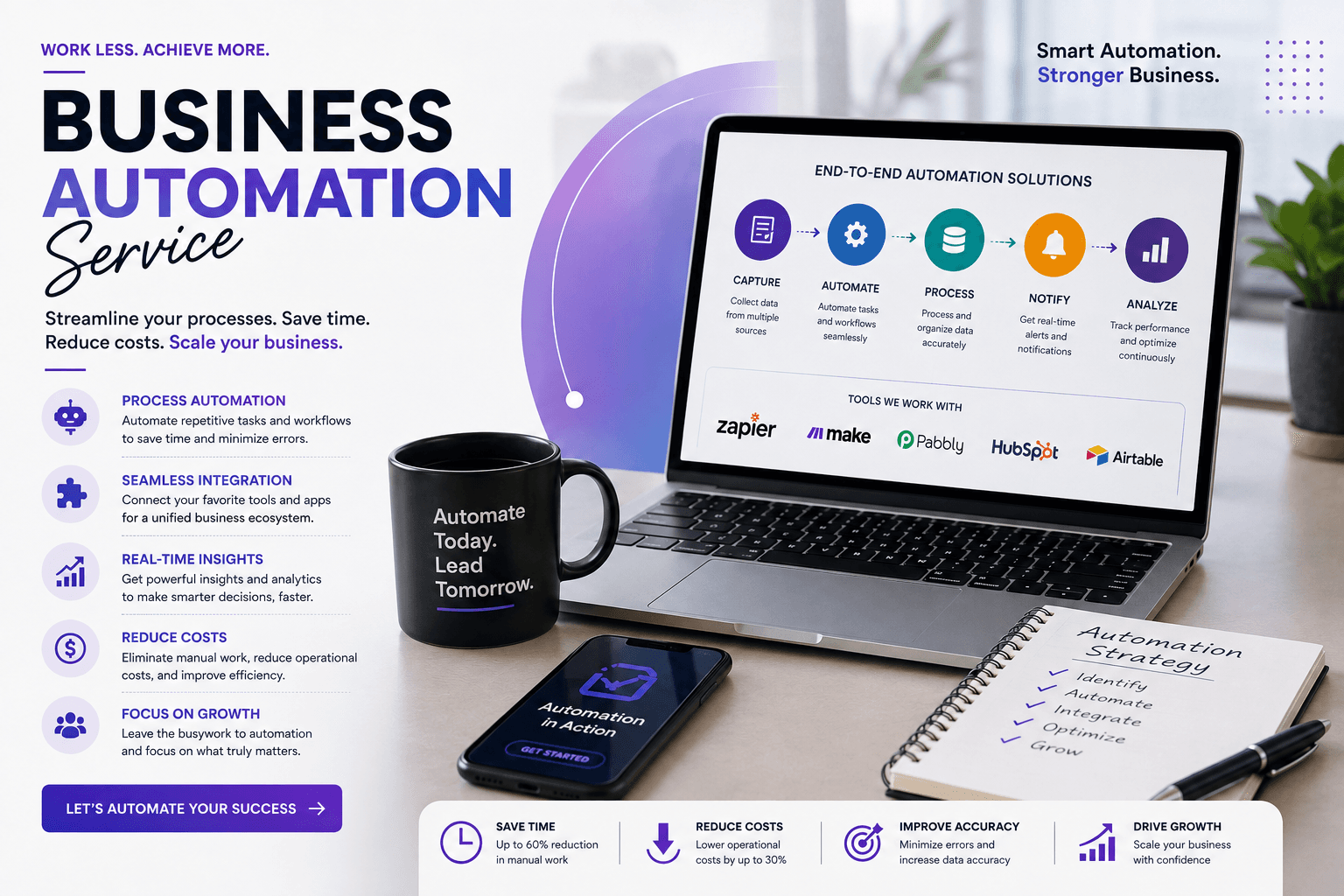
We set up WhatsApp automation connected to websites and CRMs. See our business automation service or book a free audit.
Frequently Asked Questions
The WhatsApp Business app and its basic automated replies are free. The WhatsApp Business Platform, which connects to your website and CRM, charges per message for most business-initiated messages, with rates that vary by country and message type.
Yes, as long as they've opted in. With the Business Platform, messages you start outside an active conversation must use pre-approved templates.
Not if they're written in your voice, use the customer's name and details, and make it easy to reach a real person. Use automation for speed and reminders, and people for real conversations.
Business Automation
Lead capture, WhatsApp and email follow-up, and the admin in between, set up to run on its own so no enquiry goes cold.
Want More Enquiries From Your Website?
Book a free call. We’ll look at your website, your Google Maps listing and how you follow up on enquiries, then tell you what we’d fix first.