 webstacy
SaaS Conversion Audit: Want to benchmark your marketing site, Core Web Vitals, and demo funnel?
Business Process Automation for US Small Businesses (2026 Guide)
The Hidden Tax of Manual Operations in US Small Businesses
Across the United States, growing service agencies, home services contractors, medical practices, logistics providers, and professional advisory firms hit a predictable revenue plateau. Staff members find themselves spending over 40% of their billable hours toggling between disconnected SaaS tools—copying customer data from form submissions into spreadsheets, manually creating QuickBooks invoices, drafting repetitive emails, and tracking project statuses by hand.
This operational friction creates three primary breakdown points:
- Human Error & Data Corruption: Keying customer data by hand leads to typos, missed follow-ups, and lost sales opportunities.
- Delayed Response Times: Leads that arrive outside business hours wait up to 14 hours for an initial human response, drastically reducing conversion probability.
- Scalability Ceiling: Revenue growth directly forces employee headcount increases, destroying profit margins.
Mapping the Core Pillars of Enterprise Workflow Automation
At Webstacy, we design multi-tier automation architectures that seamlessly bridge front-facing customer interactions with backend operational pipelines.
1. Automated Lead Capture and Instant Dispatch
When a prospective client submits an inquiry form or books an audit call, automated triggers fire instantly across your tech stack:
- Data is validated, enriched, and stored inside your custom CRM within milliseconds.
- Instant automated SMS and WhatsApp confirmation messages are sent directly to the prospect.
- Internal Slack or Teams notifications alert account executive team members with full lead context.
2. Dynamic Document & Invoice Generation
Stop creating proposals, service contracts, and scope agreement PDFs manually. By linking electronic sign services (e.g., DocuSign, HelloSign) with automated web triggers, client details populate dynamically into legal contracts, send for signature automatically, and trigger invoice generation upon sign-off.
3. Synchronized Inventory & Project Management
For operations-heavy businesses (such as construction, machinery rentals, and multi-location services), automation pipelines synchronize project status, milestone achievements, and material tracking between field management software and client portals without human intervention.
Architectural Blueprint: Webstacy Automation Engine
[ Web Contact Form / Booking ] ───> [ API Gateway & Validator ]
                                          │
                  ┌───────────────────────┴───────────────────────┐
                  ▼                                               ▼
     [ CRM Record Created ]                            [ Instant SMS/Email Sent ]
                  │                                               │
                  ▼                                               ▼
     [ Auto Lead Scoring ]                            [ Calendar Event Booked ]
                  │                                               │
                  └───────────────────────┬───────────────────────┘
                                          ▼
                         [ Ops Pipeline & Team Dispatch ]
Real-World Impact: Case Study Metrics
By implementing a custom automated workflow engine for our clients across real estate, earthmoving, and financial services, Webstacy clients achieve:
- 85% Reduction in Response Time: Average lead response time drops from 4 hours to under 30 seconds.
- 22+ Hours Saved Weekly Per Employee: Administrative overhead is eliminated, enabling teams to focus strictly on revenue-generating activities.
- 100% Data Accuracy: Automated validation rules eliminate missing client records and duplicate entries.
How to Begin Automating Your Business Today
Automation is not about replacing human talent—it is about empowering your workforce to operate at their highest leverage. Schedule an operational audit with Webstacy to map out your high-impact automation roadmap through our business automation service. If order and inventory workflows are part of that picture, see our e-commerce platform guide too.
How to Calculate the ROI of an Automation Project
Before automating anything, it's worth quantifying the actual cost of the manual process. Multiply the hours spent per week on the task by the fully-loaded hourly cost of the person doing it, then compare that to the one-time build cost of automating it. Most single-workflow automations — like lead capture with follow-up — pay for themselves within the first few months once you account for the hours reclaimed and the leads no longer lost to slow response times.
| Workflow | Typical Manual Time / Week | Automation Impact |
|---|---|---|
| Lead entry into CRM | 3–5 hours | Reduced to near-zero, instant and error-free |
| Follow-up scheduling | 4–8 hours | Fully automated trigger-based sequences |
| Weekly reporting | 2–4 hours | Live dashboard, always current |
| Data reconciliation across tools | 3–6 hours | Real-time sync, no manual reconciliation needed |
A Practical Implementation Checklist
- List every recurring task your team does more than five times a week.
- Flag which of those tasks follow a fixed, describable sequence (a strong automation candidate).
- Identify every tool involved and whether it has an API or webhook support.
- Start with the single highest-time-cost workflow — not the most technically interesting one.
- Build in error logging and alerts before going live, not after the first failure.
The businesses that get the most value from automation don't try to automate everything at once — they automate the highest-friction workflow first, prove the value, and expand from there.
Integration Methods, Explained
Not every automation connects systems the same way, and the right method affects both reliability and cost.
| Method | How It Works | Best For |
|---|---|---|
| Webhook | One system pushes data instantly when an event occurs | Real-time triggers like a new form submission |
| API polling | System checks another system on a schedule for changes | Tools without webhook support |
| Middleware/iPaaS | A connector platform sits between systems and handles logic | Multi-step workflows across several tools |
| Direct database integration | Systems share data at the database level | Custom-built internal tools under one roof |
What "Reliable" Automation Actually Requires
A workflow that works perfectly in testing can still fail quietly in production if it isn't built defensively. Reliable automation means every step logs what it did, every failure triggers a retry with backoff rather than a silent drop, and every critical failure alerts a real person instead of disappearing into a log file no one checks. This is the difference between automation that saves time and automation that occasionally loses a customer's data without anyone noticing until it's too late.
Choosing What NOT to Automate
Not every repetitive task should be automated immediately. Tasks that are still evolving — a sales process you're actively refining, a workflow with frequent exceptions — are poor early candidates, because automating a process that keeps changing means rebuilding the automation just as often. The best first candidates are stable, well-understood, high-volume tasks: the ones your team could already write down as a numbered checklist without disagreement.
| Good Automation Candidate | Poor Automation Candidate |
|---|---|
| Stable, repeatable, high-volume | Frequently changing or still being defined |
| Clear rules, few exceptions | Heavy judgment calls, many edge cases |
| Currently done by hand, at cost | Already fast and low-friction as-is |
Maintaining Automations Over Time
Automated systems aren't "set and forget" — a tool changing its API, a form field getting renamed, or a new step being added to a process can silently break a pipeline. Building in monitoring and scheduling a periodic review (quarterly is usually sufficient) keeps automations reliable as the business and its tools evolve around them.
Ready to go deeper on specific workflows? See how Automated Lead Qualification: Book More Sales Calls turns inbound leads into booked calls, how a Custom CRM & ERP Portal Development: 2026 Guide centralizes the data those workflows run on, and where AI Agents for Business: Backend Integration Guide fits once your core processes are automated.
Frequently Asked Questions
Start with the highest-frequency, highest-error tasks: lead capture and response, invoice generation, and appointment booking typically deliver the fastest ROI.
Custom automation projects generally range from a few thousand dollars for a single workflow (e.g., lead routing) to tens of thousands for a full operational overhaul — pricing scales with the number of systems being connected.
No — it removes repetitive manual work (data entry, follow-ups) so your team spends time on judgment calls and relationship-building instead, which is where humans add the most value.
Common integrations include CRMs (HubSpot, Salesforce), e-sign platforms (DocuSign), messaging (Slack, WhatsApp), and accounting software — connected via APIs and webhooks tailored to your existing stack.
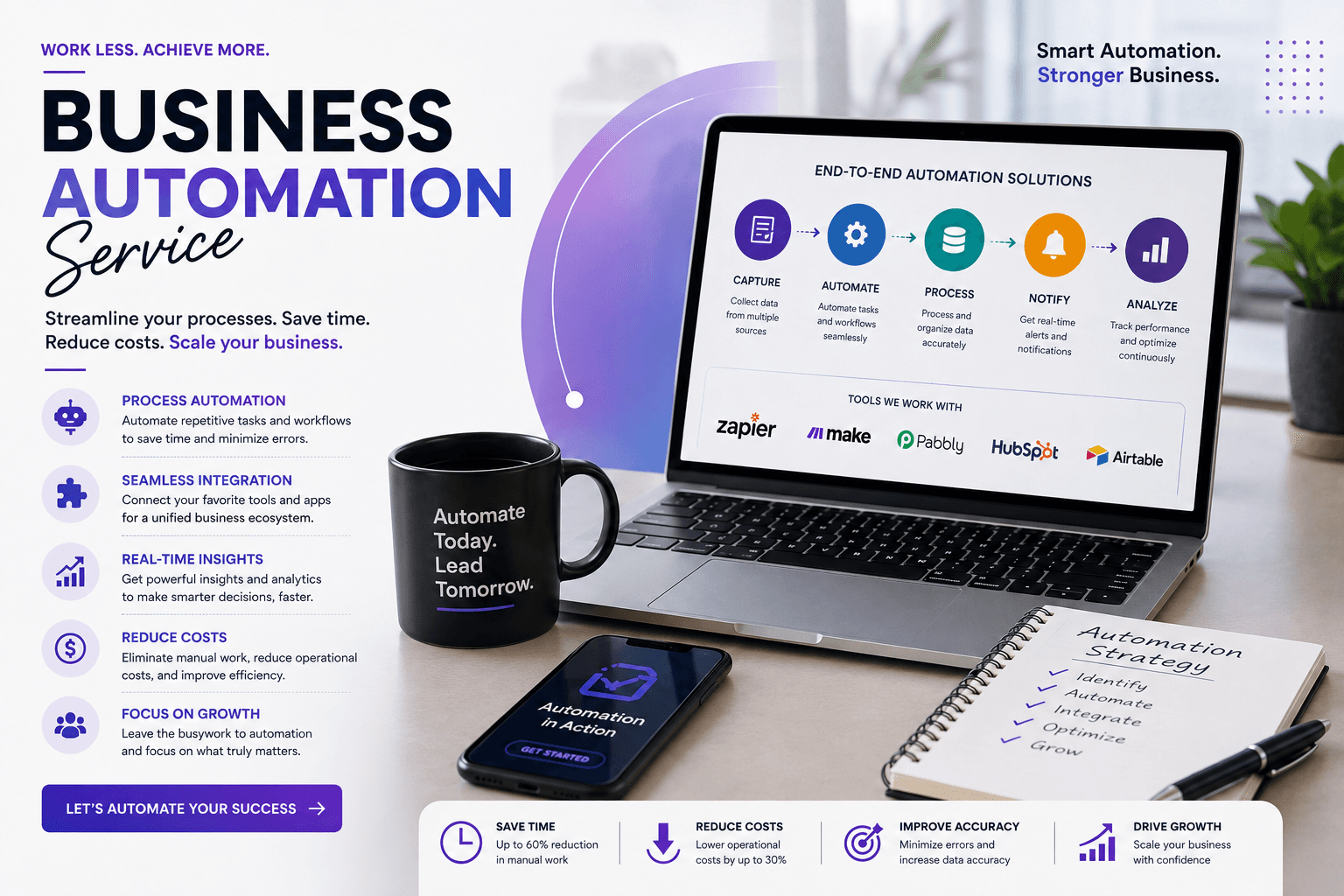
Business Automation Service
Streamline your workflows, integrate your favorite tools, and eliminate repetitive tasks to scale efficiency.
Ready to Scale Your SaaS Pipeline?
Schedule a strategy call with Webstacy. We will analyze your website, Core Web Vitals, and demo booking funnel to unlock compounding pipeline growth.