 webstacy
Free website audit: want us to look at your website, Google Maps listing and follow-up?
Google Business Profile Optimization: The Complete Checklist
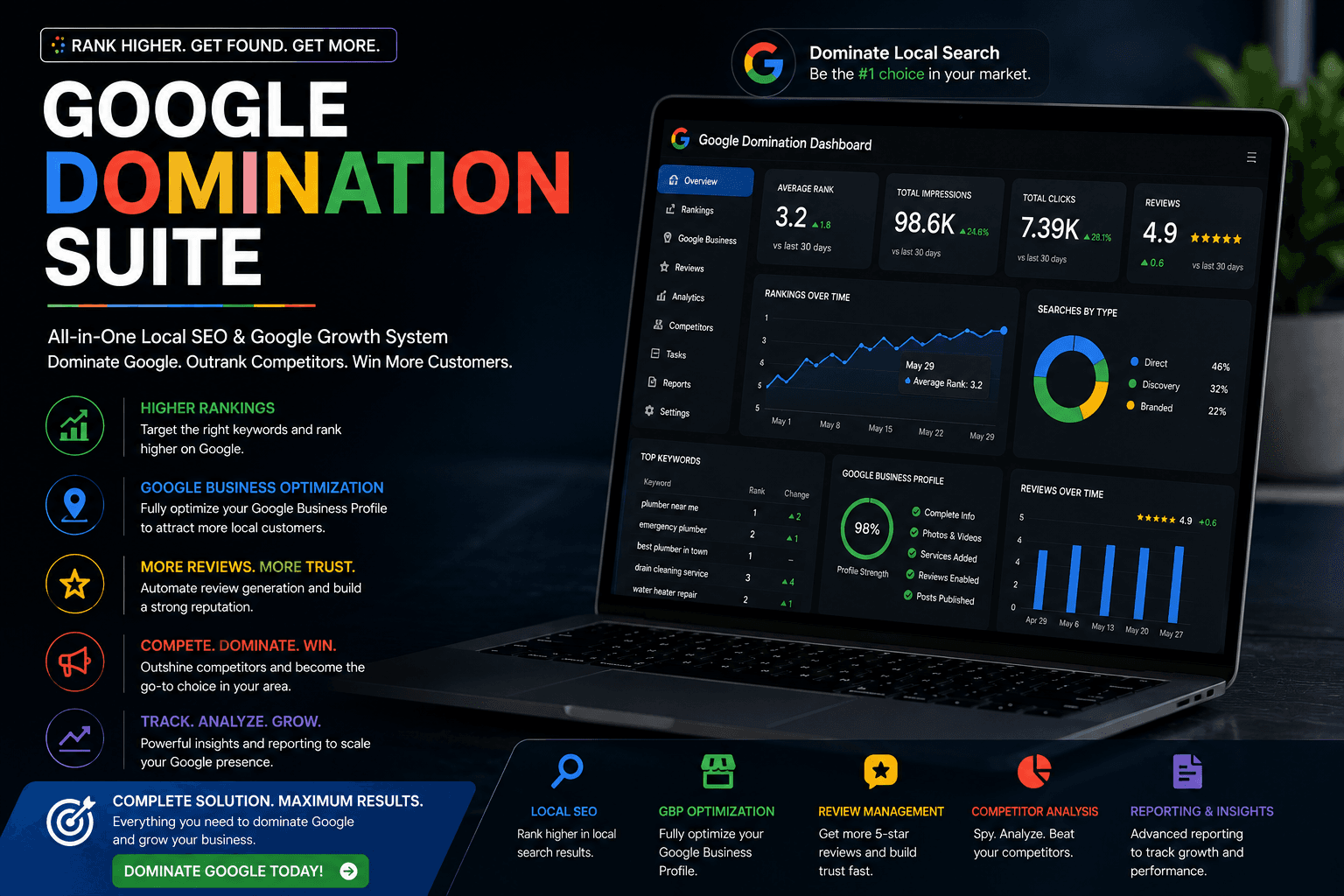
For a local business, your Google Business Profile often gets more views than your website. It's what people see in Google Maps and in the local results, and it's the biggest ranking factor you control. Most profiles are half-finished. Here's how to complete yours properly.
Basics
Business name
Use exactly the name customers see on your signage, invoices and website. Don't add keywords or locations unless they're genuinely part of your name. Keyword-stuffed names break Google's guidelines, are easy for competitors to report, and can lead to suspension.
Primary category
This is the most important choice on the profile. Pick the most specific category for your main business: "Mortgage broker" rather than "Financial consultant", "Vegetarian restaurant" rather than "Restaurant" if that's what you are. Look at which categories the top-ranking competitors use for ideas.
Secondary categories
Add others that genuinely describe additional services. Don't add categories for things you don't really do.
Address or service area
If customers come to you, show your address. If you go to them, hide the address and set service areas (Google allows up to 20). Virtual offices and PO boxes aren't allowed as addresses.
Phone and website
Use a local number your team answers. Link to the most relevant page of your website, usually the homepage or a location page.
Hours
Keep regular hours accurate and set special hours for holidays. Showing as "open" when you're closed earns bad reviews quickly.
Content that helps people choose you
Description
You get up to 750 characters. Say what you do, who for, where, and what makes you different, in plain language. Don't paste a list of keywords.
Services and products
List every service with a short description and, where it makes sense, a price or "from" price. This helps Google match you to more specific searches.
Photos and videos
- Your logo and a cover photo.
- The outside of your premises, so people recognise it when they arrive.
- Inside, your team, and your work: finished projects, dishes, properties, equipment.
- Add new photos regularly. Real photos beat stock images every time.
Attributes
Tick the ones that apply, such as wheelchair access, online appointments or women-led. They show up in search and some people filter by them.
Updates (posts)
Share offers, events, new work and news. Posts keep the profile active and give people another reason to pick you.
Booking and links
If you take bookings, add your booking link. Restaurants should add a menu link. Make the next step obvious.
Reviews
- Ask every happy customer, using the review link from your profile.
- Reply to every review, good and bad, politely and personally.
- Never offer incentives or ask only happy customers. Both break Google's policies.
More in how to get more Google reviews.
Keep it consistent
Your name, address and phone should match exactly across your profile, website and other listings. Inconsistencies make Google less confident about your details.
Mistakes that get profiles suspended
- Keywords added to the business name.
- Using a virtual office or an address where you don't operate.
- Creating more than one profile for the same location.
- Fake or paid reviews.
- Changing lots of key details at once (name, address, category). Make big changes one at a time.
Monthly routine
- Add a few new photos.
- Publish an update.
- Reply to every new review.
- Check hours and services are still correct.
- Look at the performance report: calls, direction requests, website clicks.
Your profile works best alongside a website that backs it up. Read the full picture in how to rank on Google Maps, or let us handle it through our local SEO service.
Frequently Asked Questions
The primary category. It tells Google what kind of business you are and has a big effect on which searches you appear for. Reviews and a complete, accurate profile come next.
Once a week to once a month is plenty for most small businesses. Consistency matters more than frequency.
Yes. Service-area businesses can hide their address and list up to 20 areas they serve.
Common reasons are keywords in the business name, an ineligible address such as a virtual office, duplicate profiles, or suspicious reviews. Fix the issue, then request reinstatement through Google's support form.
Local SEO & Google Maps
Get into the Google Maps results when people near you search for what you do, and turn those searches into calls.
Want More Enquiries From Your Website?
Book a free call. We’ll look at your website, your Google Maps listing and how you follow up on enquiries, then tell you what we’d fix first.