 Get Free Audit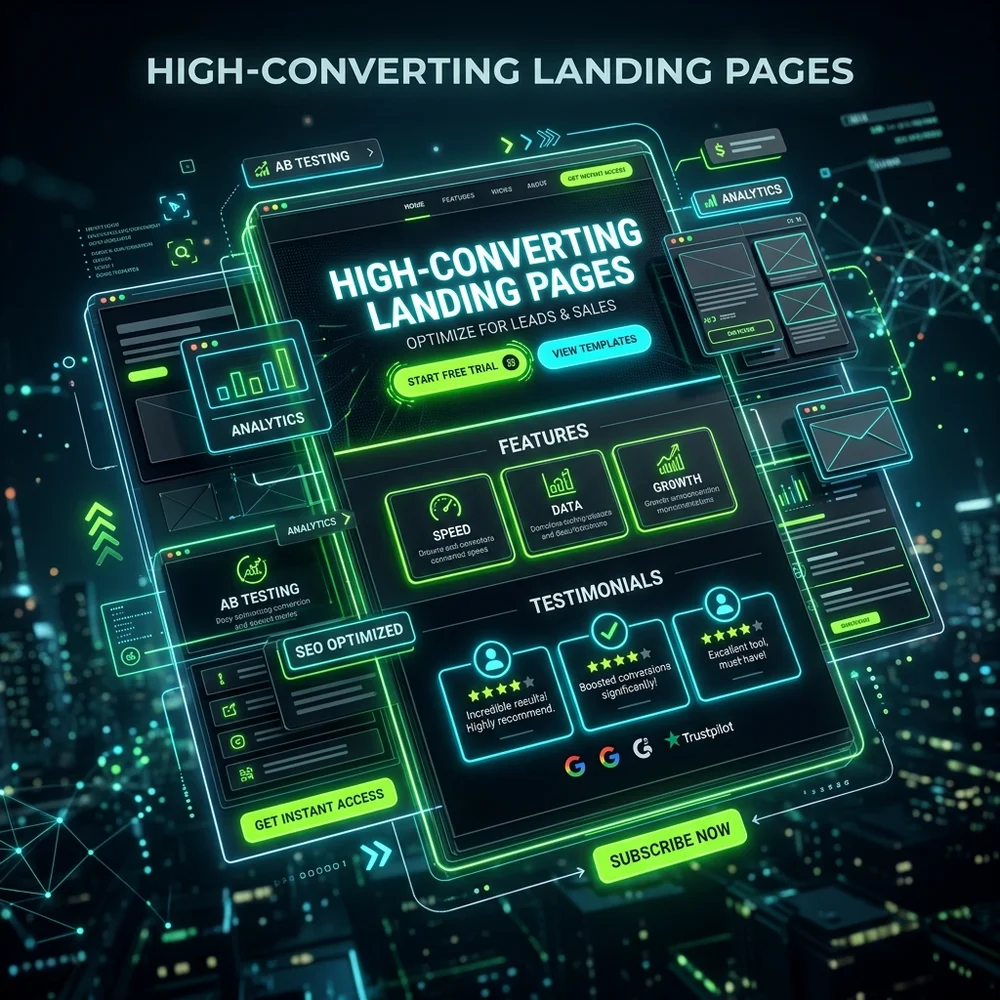
What is Landing Page Optimization?
Landing page optimization is the process of improving every element of your page to convert a higher percentage of visitors into active leads or customers. If you are paying for traffic through Google Ads, Meta Ads, or email marketing, landing page performance directly dictates your advertising profitability.
Optimizing what is landing page optimization? is vital for digital growth. Design teams should focus on tap target sizes and mobile-first layouts. This leads directly to higher conversion rates and customer trust. By removing visual clutter, you build long-term reader trust.
A minor lift in landing page conversion rate can save thousands of dollars in ad spend. Let's explore the 10 tactics that make a page convert.
Key Optimization Tactic
Focus on user experience first. Include structured data schema markup to help Google display rich snippets. Consequently, site conversion rates will compound and index scores will improve.
Tactic 1: Focus on a Single, Clear Conversion Goal
A landing page is not a homepage. A homepage introduces your entire brand, while a landing page has one single job: getting the user to take a specific action. That action could be downloading an e-book, booking a sales call, or purchasing a specific product. Remove anything that does not serve that goal. Partnering with an experienced agency like Webstacy ensures these technical standards are met.
Tactic 2: Write a Compelling, Benefit-Driven Headline
The headline is the first thing users see. It needs to explain your value proposition within 5 seconds. Focus on the outcome your service delivers to the user, not just its features. Match your headline's keywords with the ad messaging that brought the user to your page to maintain search scent.
Tactic 3: Establish a Clear Visual Hierarchy
Structure the page layout so that the user's eye is naturally drawn to the most critical information first: the value proposition, the trust badges, and the CTA button. Use clean whitespace, high contrast, and arrow markers to lead attention downward. Consult the team at Webstacy to review your digital performance and optimize your revenue metrics.
→ UI vs UX: Understand how visual design and structure work together.Tactic 4: Design Frictionless, Low-Barrier Forms
Keep your input forms as brief as possible. Every additional field you add decreases the likelihood of a submission. Only request information that is absolutely required to follow up with the lead. Use progressive disclosure or multi-step forms if you need to ask for deeper context.
Tactic 5: Place Direct and Action-Oriented CTAs
Your Call to Action (CTA) buttons must stand out visually. Avoid generic button copy like "Submit" or "Click Here." Instead, use active, benefit-oriented text like "Claim My Free Audit" or "Start My Free Trial." Repeat the CTA button at strategic points down the page.
Optimizing tactic 5: place direct and action-oriented ctas is vital for digital growth. Our experience shows clean semantic code ranks better on search engines. This helps direct traffic toward your primary call-to-action. By removing visual clutter, you build long-term reader trust.
"A conversion-focused CTA should tell the user exactly what they will get, not just what they have to do." — Conversion Strategist, Webstacy
Key Optimization Tactic
Focus on user experience first. Ensure heading tag hierarchy outline is semantic (H1, H2, H3). Consequently, site conversion rates will compound and index scores will improve.
Tactic 6: Leverage Authentic Social Proof & Testimonials
Users don't trust what you say about your business—they trust what your clients say. Include client video testimonials, screenshots of Google reviews, and logos of businesses you have collaborated with. Place this social proof close to your CTA buttons to ease checkout anxiety.
Tactic 7: Eliminate All Navigational Distractions
Remove the primary header navigation menu, footer link directories, and links to your social profiles. If users have alternative exit links, they will click them, drift away from your conversion tunnel, and never return.
Tactic 8: Optimize for Lightning-Fast Load Speed
If your landing page takes longer than 3 seconds to load, half of your visitors will bounce before they even see your headline. Compress visual assets, remove heavy rendering scripts, and use a premium hosting provider to ensure near-instantaneous page loads.
→ Speed Guide: Complete guide to optimizing website load times for Core Web Vitals.Tactic 9: Deliver a Perfect Mobile-First Experience
More than 70% of paid ad clicks happen on mobile. Your landing page must look flawless on small screens. Ensure that buttons are large enough to tap easily, forms are simple to fill on a phone, and text sizes are perfectly legible.
Tactic 10: Continuously A/B Test Landing Page Assets
Optimization is an ongoing process. Use tools like Google Optimize or VWO to run A/B split tests. Compare different headline copy, CTA button colors, form placements, and background hero visuals. Rely on conversion data to decide which elements win.